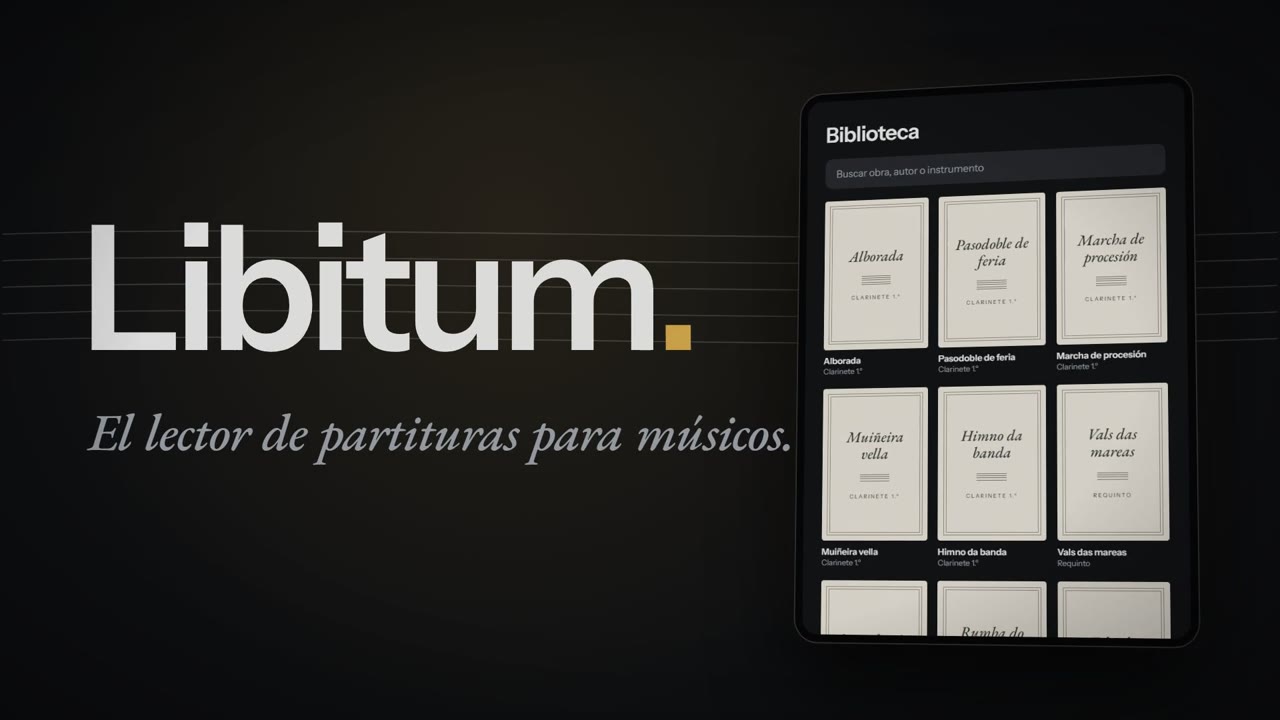
A native Android sheet music reader for tablets and phones. I designed and built it, from the first competitor audit to the version real musicians are testing today.
Testing with musicians. Coming soon to Google Play
The problem
A musician who plays in a group carries a paper folder for every repertoire: loose sheets, photocopies of photocopies, pencil marks that fade. Turning the page with an instrument in your hands is a risk at every concert.
On Android, the reference app is MobileSheets. It does a lot, but it overwhelms: its general settings alone add up to about 150 options. And the musicians I play with read on cheap tablets, not high-end ones.
The goal: a complete app anyone can use without a manual, smooth on a tablet under 200 euros, and one that never needs the internet during a concert.
The method
Four phases before writing a single line of the app, none skipped:
Audit. I went through MobileSheets module by module on a tablet emulator, with screenshots captured automatically over adb: library, viewer, page turning, annotations, import, setlists, settings and sync. Each module has its own report.
Requirements. A PRD distilled from the audit, with clear priorities: what musicians do every minute (turning pages, annotating, reading) comes before everything else.
Design. A design system with tokens as the single source of truth (the same values in the design and in the code), and HTML prototypes of the viewer, library and setlists, tested before building them.
Technical spikes. Seven throwaway prototypes to measure the risky parts before committing: PDF engine and caching, scan cleanup, ink, page curl, audio, offline cloud and using a phone as a pedal.
Then the build: one specification per feature, with acceptance criteria checked one by one. There are 20 so far, from the viewer to sync between devices.
I work with AI-assisted development (Claude Code). I own the product, the design and the acceptance criteria; every decision is written down with its date and reasoning in a decision log, so nothing gets reopened without a new reason.
Product decisions
Always one page
Never two side by side, not even with the tablet held sideways: with two pages the notes become tiny on a small tablet. For people who struggle to read at a distance, an option fits the page to the width and moves through it in sections.
30 · 30 · 40
The viewer's tap zones: the left 30 % goes back, the centre shows the controls and the right 40 % turns the page. Chosen by testing the prototype, because moving forward is what musicians do most.
650 ms, not 260
The page curl takes 650 ms with an easing curve that feels like paper. At 260 ms it felt abrupt and artificial. The speed can be changed.
Everything at the right distance
Simple does not mean cut down. What you use every minute is zero or one tap away; what you use once a month is tucked away but easy to find.
Permissive licences only
No MuPDF (AGPL) and no TarsosDSP (GPL), even though they would have saved work. The app will have a paid version, and its code cannot be forced open.
No server of my own
There are no Libitum accounts and no data on my servers. Backup and sync use the musician's own Google Drive, with the narrowest permission Google offers.
A tuner that holds up in rehearsal
A microphone tuner works well with a clean note. A rehearsal has no clean notes: other players, people talking, percussion, the hum of the lights. The usual failures are reading your neighbour's note or jumping an octave.
I solved it with a set of rules on top of pitch detection: the tuner listens to the room when it opens and keeps learning its background, only starts reading when a sound stands out from it, subtracts what was already playing, decides by the harmonic series and, once locked onto a note, only accepts that note or a new one that stands out. The principle: better silent than wrong.
To measure it I built a test bench of 756 generated audio clips: eleven notes from different instruments, several room scenes and 20, 12 and 6 dB between the musician and everything else. It runs on every build. Compared with reference pitch detectors on the same clips:
Wrong note
No reading
Median error
p95 error
Libitum
0.25 %
1.76 %
0.8 ¢
2.6 ¢
pYIN
12.7 %
0.2 %
2.4 ¢
10.1 ¢
CREPE
5.9 %
2.9 %
6.9 ¢
12.4 ¢
YIN with gate
13.6 %
0.0 %
0.8 ¢
8.3 ¢
How to read this. I designed the clips and tuned Libitum against them; the others were not, so part of the lead is home advantage. pYIN and CREPE are general-purpose pitch detectors, not tuners. And when the whole room plays the same note just as loud, they get it right and Libitum stays silent. It still needs validating with real instrument recordings.
Two devices in sync, no server
Many musicians rehearse with a tablet and practise with their phone. Without a server, the only shared place is the Libitum folder in their Google Drive. A single backup file that each device uploads in full has three problems: deleted items come back, the last device to upload overwrites the other, and nobody downloads changes.
The fix: before uploading, the app downloads the backup and merges it with local data item by item. Scores, setlists, the annotations on each page and instruments each carry a last-modified date, and the most recent wins. Deleting leaves a tombstone that travels in the backup so the other device deletes the same thing; tombstones are cleared after 90 days. Uploads run in the background with WorkManager, wait for a network and never block the app.
And one rule above everything else: a concert setlist is downloaded to the device in full. On stage, the app does not need the internet.
Old scans you can read at night
Many real scores are photocopies, or photos of photocopies: grey paper, shadows, black edges. Tinted as they are in sepia or night mode, they are hard to read.
On import, each page is classified (digital, scan or image) and scans are cleaned in the background: white, even paper and black ink. The clean page is stored precomputed, so turning the page costs nothing extra: the viewer only scales it and tints it with a colour matrix. The original PDF is never modified and you can switch back to it.
The app
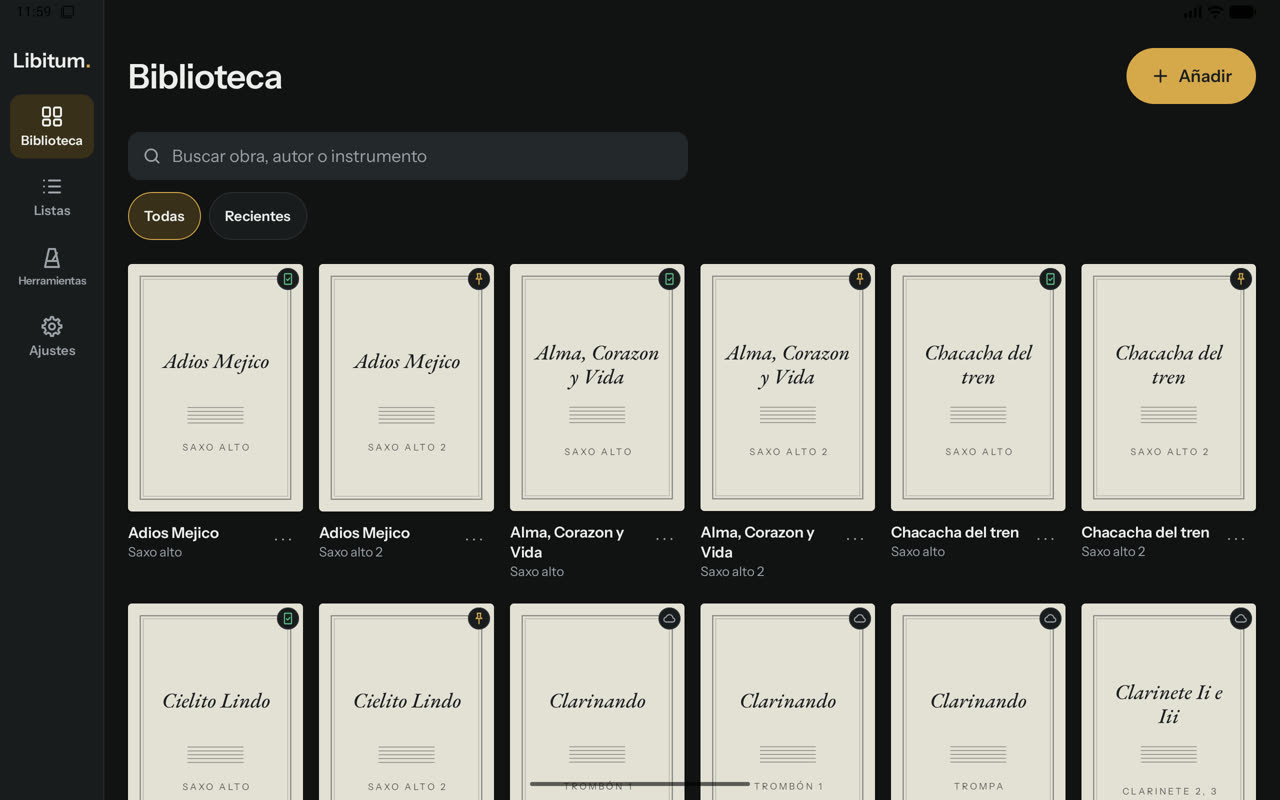
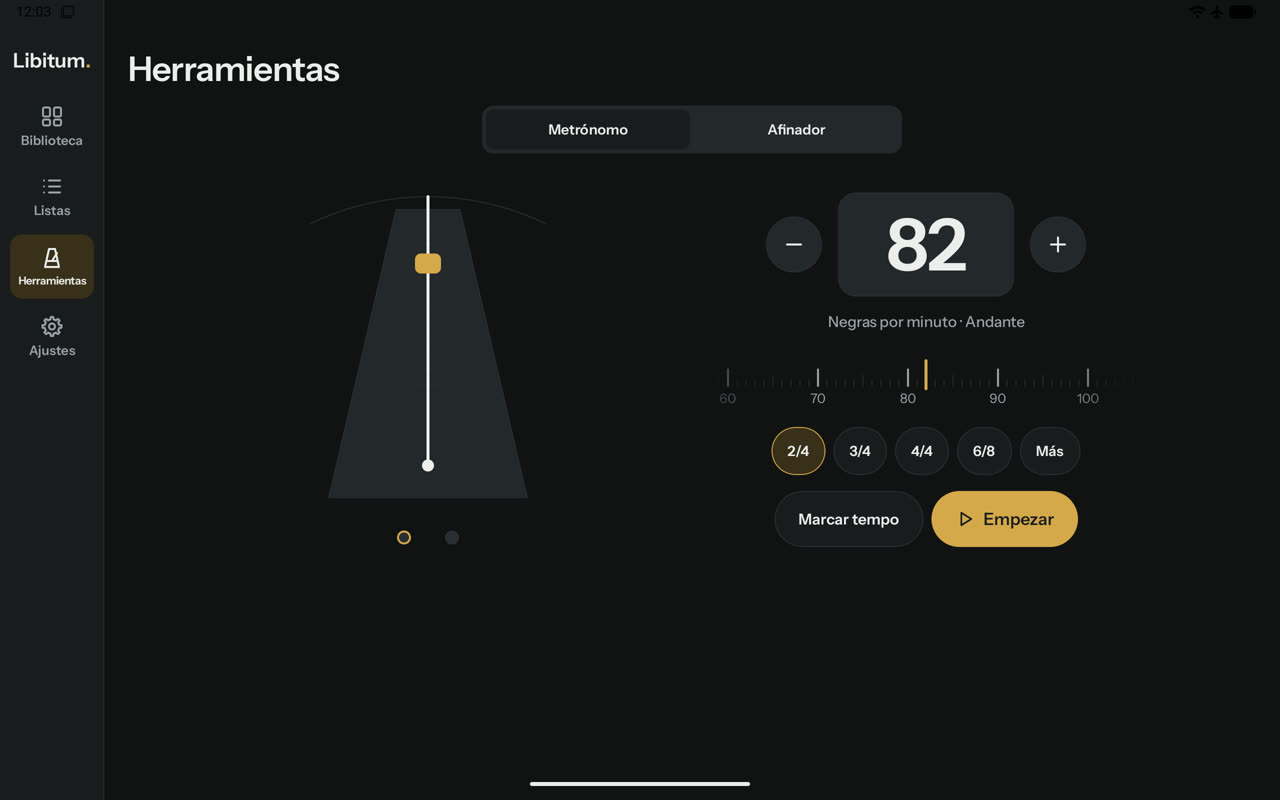
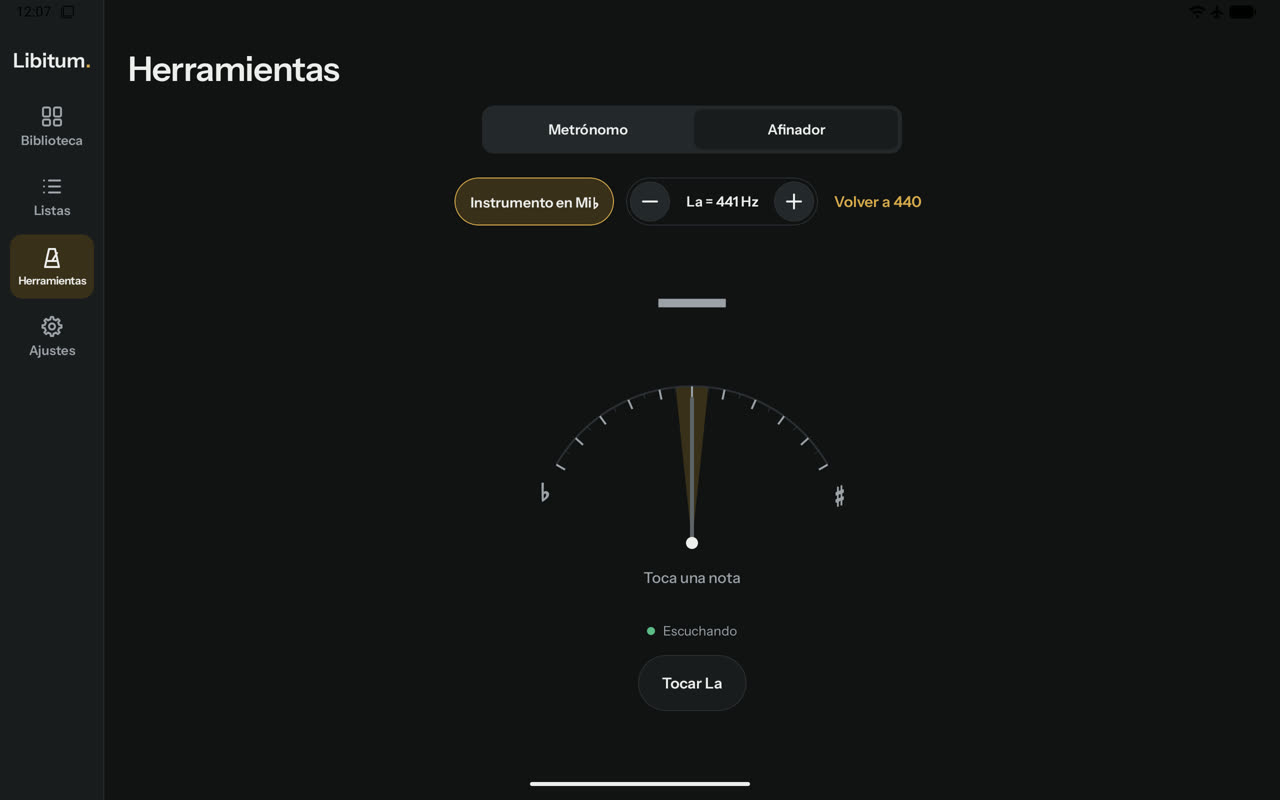
The app is in Spanish, Galician and English; these screenshots show it in Spanish.
The library. The badge on each cover shows whether the score is on the tablet, saved for a concert or only in the cloud.
Metronome with pendulum, tempo wheel and tap tempo.Tuner that reads in the instrument's transposition.
In numbers
20
feature specifications
11,500
lines of Kotlin, roughly
76
automated tests
5.9 MB
installable app size
3
languages: Spanish, Galician and English
7 days
from the first document (8 November 2026) to version 0.6.2
What is left
Measure on a real budget tablet what has only been measured on the emulator: load times, 60 fps page curl and stroke latency.
Record real instruments in a real room to validate the tuner beyond the test bench.